Guides
Part of What matters most in batteries and charging in 2027
Putting together a safe charging kit for everyday devices
Charging kit setup guide for listing device needs, matching adapters and cables, checking ratings, labeling equipment, managing heat, travel, spares, and testing.
What to take away
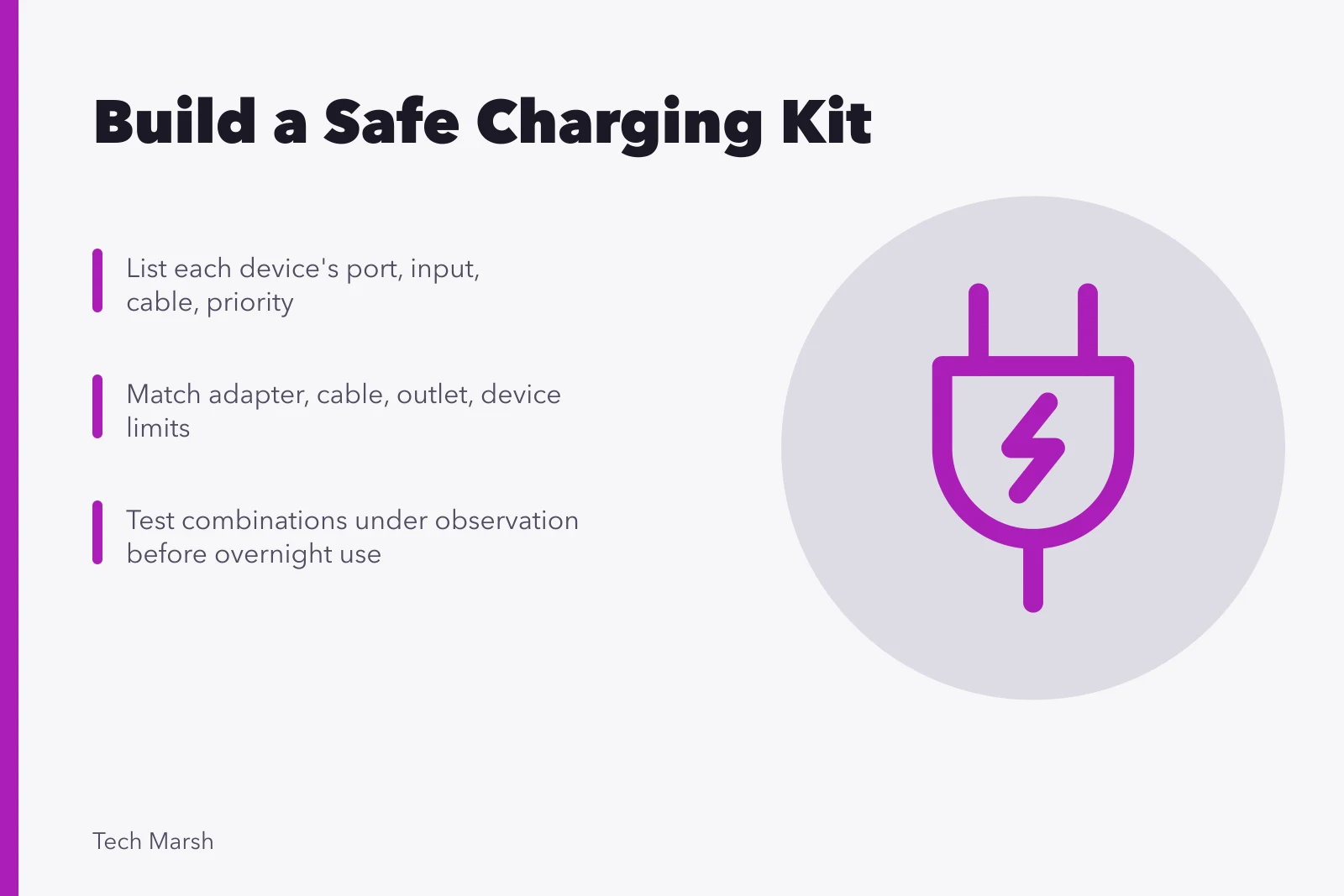
- List each device's connector, accepted input, supplied equipment, and travel role before buying a multiport charger.
- Treat the adapter, cable, outlet, and device as one power path with independent limits.
- Buy from traceable sellers, confirm required ratings, and keep recall and warranty information.
- Test combinations under observation before relying on them overnight, at work, or during travel.
- Retire equipment with damaged insulation, bent contacts, loose fit, discoloration, odor, or abnormal heat.
A compact charging kit should reduce duplicate hardware without creating mystery cables or overloaded outlets. Build it from documented device requirements, then test every intended combination. What those requirements mean, from watts to watt-hours, is explained in batteries and charging.
Step 1: make a device table
Read the product label and current support page. Do not infer power from connector shape.
Device table fields
- Device name
- Port type
- Required or supported input
- Supplied cable
- Charging priority
| Device | Port | Required or supported input | Supplied cable | Charging priority |
|---|---|---|---|---|
| phone | USB-C | record maker specification | C to C | daily, overnight |
| laptop | USB-C | record required wattage and protocol | C to C | work essential |
| watch | proprietary puck | record adapter requirement | fixed cable | daily |
| headphones | USB-C | record input | A to C | weekly |
Include power banks, game systems, cameras, lights, medical or accessibility equipment, and battery chargers. Use dedicated approved equipment when the manufacturer requires it. Chargers, cables, and mounts for assistive equipment are itemized in the accessible technology checklist.
Step 2: choose the power source
Choose an adapter with enough ports and documented output profiles for your devices. Multiport chargers can move power around when you plug in another device. Check both the per-port and total output tables.
Ratings matter. A battery charger's safe protocol, voltage, current, and stop point depend on the battery's size and type. Batteries fed outside those limits can lose capacity, overheat, or fail dangerously.
Check the plug and input-voltage range for the country. A passive travel plug changes physical shape, not voltage or frequency. Equipment that does not accept the local supply needs a suitable conversion solution rather than a simple adapter.
Avoid untraceable products with incomplete markings or unrealistic claims. Keep the model, seller, receipt, and warranty so a recall or support notice can be matched later.
Step 3: match each cable
Choose the connector pair, current capability, power rating, and any required electronic marking. If the same cable also carries monitors, storage, or docks, confirm data and video capabilities separately. Separating a power fault from a data fault on a computer port is covered in common laptop problems and fixes.
Use short labels such as "laptop 100 W" or "phone data" when identical-looking cables have different jobs. Do not knot cables tightly or bend them sharply at the connector. Store them where plugs cannot be crushed.
Step 4: prepare the charging location
Use a sound, correctly installed outlet or approved power strip. Keep chargers away from water, combustible clutter, direct sun, heaters, and soft surfaces that trap heat. Leave ventilation space required by the product.
The CPSC battery overview documents reported hazards involving batteries and chargers, including overheating, fire, electrical shock, burns, electrolyte exposure, and ejected components. The page also notes incidents during use, storage, and charging, so a safe kit includes how and where it is used.
Step 5: test one combination at a time
For each intended adapter, cable, and device combination:
- Inspect the equipment while unplugged.
- Connect it in a clear, attended area.
- Confirm stable charging without holding the plug at an angle.
- Watch for repeated connection sounds or charge cycling.
- Check for abnormal heat, odor, noise, discoloration, or deformation.
- Confirm the expected rate in the device's supported status screen.
- Add a second multiport load and check whether both remain adequate.
Do not measure exposed contacts or open an adapter unless you are qualified and equipped to work safely with mains electricity.
Step 6: add travel protection
Pack cables without sharp bends and cover loose battery terminals. Keep power banks where current transport rules require them. Record watt-hour ratings before the label wears off. Airlines may set tighter limits than the general rule.
Carry the one cable and adapter needed for the most important device in an accessible place. A tiny backup for a phone can be more useful than a large charger buried in checked baggage.
Step 7: maintain the kit
Inspect monthly and before travel. Remove dust using the safe method for the device. Replace damaged equipment rather than taping over a split in a power cable. A phone that will not charge is worked through component by component in common smartphone problems and fixes. Check official recall notices by model.
Review the kit after buying a new device. Remove obsolete proprietary chargers only after confirming that no current product or recovery device depends on them. Send electronics and batteries through appropriate local collection programs.
Common questions
Can one high-power USB-C charger run every USB-C device?
Not necessarily. Required charging protocols, voltage profiles, cables, and proprietary limits can differ.
Why does a multiport charger slow down when I connect another device?
Many models divide a fixed total output or reassign port profiles when loads change.
Does a travel plug convert voltage?
Usually no. It changes the plug shape. Check the power supply's accepted input range.
Is electrical tape a safe repair for a frayed charging cable?
No. Retire and replace a damaged cable with a suitable compliant product.