Maintenance
Part of Smart home systems under review: the good, the weak and the verdict
Smart home checklist: updates, batteries, automations, and outage readiness
Smart home maintenance checklist for updates, accounts, batteries, automations, privacy controls, network changes, support dates, disposal, and outage readiness.
What to take away
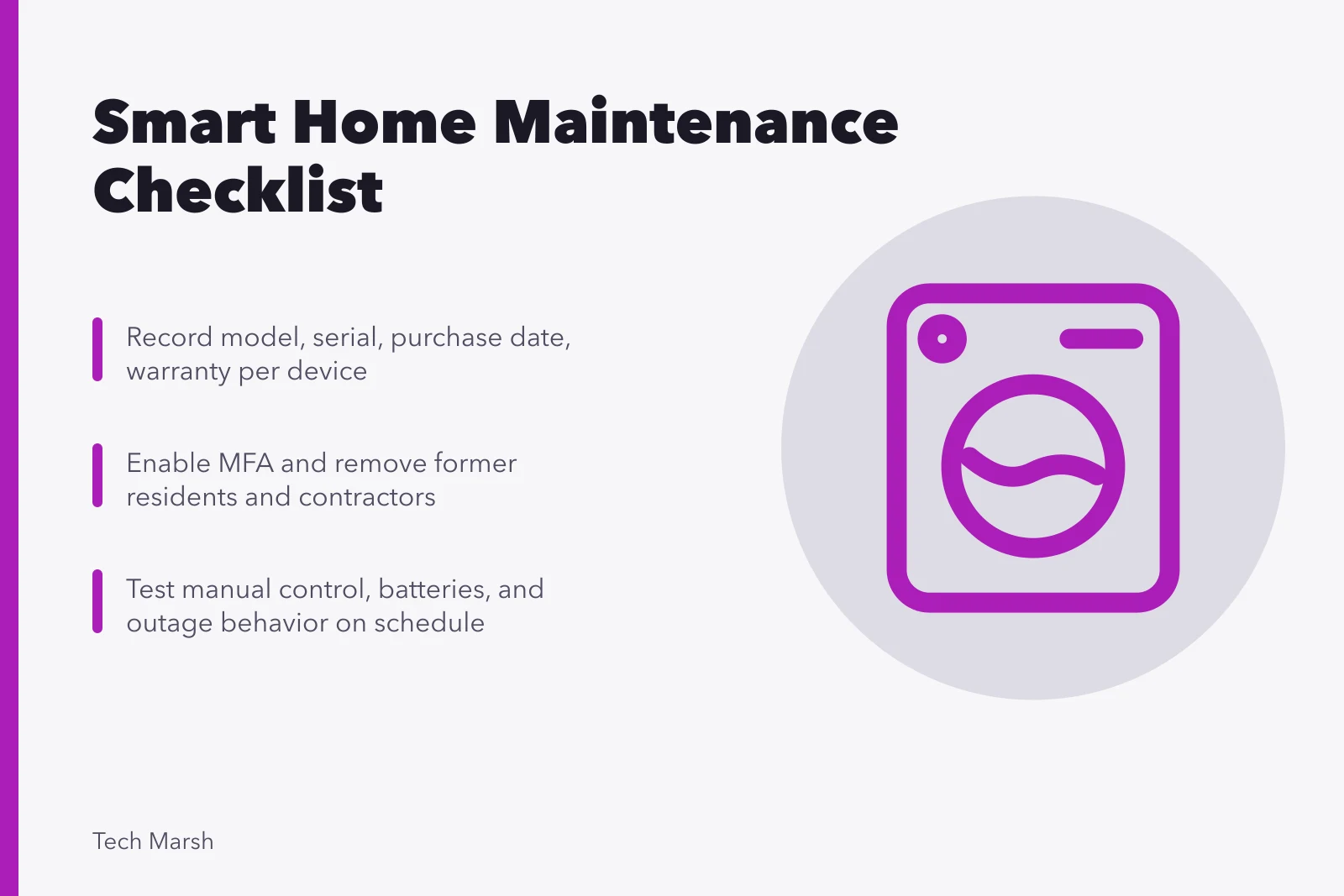
- Keep one inventory that connects each physical device to its account, controller, network, automation, and support date.
- Review permissions and recordings as household members, visitors, contractors, and routines change.
- Test manual operation, alerts, batteries, automations, and outage behavior on a schedule.
- Replace or isolate unsupported products rather than treating successful power-on as proof of safe service.
- Remove devices from accounts and erase data before sale, recycling, property turnover, or ownership transfer.
A smart home drifts. Batteries weaken, residents change, vendors update software, routers are replaced, and old automations continue after their purpose has disappeared. The layers that drift apart are mapped in the smart home systems guide. Use this checklist quarterly and after a major household or network change.
Device inventory
- Every connected device has a unique, plain name and room.
- Model, serial number, purchase date, and warranty are recorded.
- Account owner and administrative users are identified.
- Hub, bridge, border router, or controller dependency is listed.
- Network type, battery, charger, and required app are recorded.
- Support end date and subscription terms are known.
- Pairing code and reset instructions are stored securely.
An inventory should allow someone to trace a failed action from sensor to automation to controlled device without guessing which anonymous "lamp 2" is involved.
Device inventory fields
- Unique plain name and room
- Model, serial, purchase date, warranty
- Account owner and admin users
- Hub, bridge, border router dependency
- Network type, battery, charger, app
- Support end date and subscription terms
- Pairing code and reset instructions
Updates and support
- Automatic updates are enabled where appropriate.
- Pending device, app, controller, router, and bridge updates are reviewed.
- Release notes or known issues are checked before high-impact updates.
- Devices nearing end of support have a replacement or isolation plan.
- An update is followed by a test of manual and automated control.
NIST's consumer IoT cybersecurity profile describes outcomes for product configuration, data protection, interface access control, software updates, cybersecurity-state awareness, and documentation. Those capabilities help frame what a maintained product should support across its lifecycle. Which of them a product exposes depends on the platform and transport combination in smart home protocols compared.
Update and test routine
- Enable automatic updates where appropriate
- Review pending device, app, controller updates
- Check release notes before high-impact updates
- Plan replacement for end-of-support devices
- Test manual and automated control after update
Accounts and access
- Passwords are unique and stored safely.
- Multi-factor authentication is active where available.
- Recovery codes and current recovery contacts are accessible to the owner.
- Former residents, guests, installers, and contractors are removed.
- Household roles still match what each person needs.
- Connected third-party services and voice skills are reviewed.
- Old phones, tablets, and browser sessions are signed out.
Do not share the primary owner password to provide temporary access. Use invitations, guest codes, schedules, or limited roles when supported. Setting those roles correctly at the start is part of how to set up a smart home.
Account and access audit
- Unique passwords stored safely
- Multi-factor authentication active
- Recovery codes and contacts accessible
- Former residents, guests, installers removed
- Household roles match each person's needs
- Third-party services and voice skills reviewed
- Old phones, tablets, sessions signed out
Privacy review
- Camera views exclude private or neighboring areas where required.
- Microphone, camera, location, contacts, and calendar permissions are justified.
- Voice history, video history, and event logs follow household decisions.
- Physical mute, shutter, and indicator controls still work.
- Notifications do not expose sensitive events on shared screens.
- Visitors can understand when recording or sensing occurs.
- Data deletion and export routes are known.
Physical and network checks
- Batteries are replaced before they become unreliable.
- Sensors, valves, locks, mounts, and cables are secure.
- Camera lenses and environmental sensors are unobstructed.
- Wi-Fi strength is checked at fixed devices after router changes.
- Router and access-point firmware are current.
- Unused remote access, port forwarding, and device services are disabled.
- Manual keys, switches, valves, and controls remain usable.
Automation review
- Every routine still has an owner and purpose.
- Conflicting or duplicate routines are removed.
- Schedules reflect time zone, season, occupancy, and daylight changes.
- Safety boundaries and maximum run times remain set.
- Notifications reach the intended person by an accessible method.
- False alerts and missed actions are logged and investigated.
- Restart and brief outage behavior are tested safely.
Safe use and retirement
The UK National Cyber Security Centre's guide to using smart devices safely at home covers support periods, default settings, two-step verification, remote access, updates, incident response, and factory reset before transfer. Follow the current manufacturer process as well because reset and account removal are often separate steps.
- A failing or compromised device is isolated when appropriate.
- Evidence and exact alerts are preserved before reset.
- Household members know the manual fallback.
- Device removal also deletes related automations and guest codes.
- Cloud data and third-party connections are removed.
- The device is factory-reset before ownership transfer.
- Batteries and electronics follow local recycling rules.
Maintenance record
Record the date, person, changes, failed checks, and next action. A short history helps distinguish a recurring radio problem from a new update fault and shows whether batteries are failing earlier than expected. The router-side version of that record is the home network maintenance and security checklist.
Common questions
How often should I review a smart home?
Quarterly is a useful starting point, with extra reviews after updates, router changes, moves, new residents, or account incidents.
Is a factory reset enough before selling a device?
Not always. Remove it from household accounts, automations, storage, and third-party services as well.
Should unsupported devices be left online if they still work?
Continued operation does not mean security flaws will be fixed. Replace, disconnect, or isolate them based on risk and function.
What should be tested after an update?
Test manual control, remote control, alerts, automations, accessibility, account permissions, and the fallback path.