Features
Part of Getting accessible technology right the first time
Accessible workstation case: what the two-week trial actually settled
Accessible workstation case showing how one fictional team defined tasks, trialed assistive technology, fixed workflow barriers, and planned support.
What to take away
- The fictional team defined job tasks and barriers before choosing equipment.
- They tested the complete workflow, including authentication, calls, documents, breaks, and error recovery.
- A screen reader alone did not solve inaccessible forms, noisy audio, or a visual-only status alert.
- The employee chose among trial options and kept a tested fallback during rollout.
- The final plan assigned ownership for training, updates, equipment, and review.
This fictional case shows a decision process, not a universal accommodation or legal conclusion. The general form of that process is the accessible technology guide. The right setup depends on the individual, the job, the technology, and the applicable organization and law.
The request
Maya, an experienced customer-support agent with low vision and fluctuating hand fatigue, was moving to a new ticketing platform. She already used enlarged text, keyboard shortcuts, and occasional speech output. The new system required more pointer use, displayed status through color, and opened dense customer records in side panels.
Maya asked for a workflow she could use throughout an eight-hour shift without repeated help. Her manager invited her, an accessibility specialist, IT, and the platform owner to define a trial. The group recorded which information was private and agreed that Maya would control any voice or remote-support features.
Task map
They broke the job into observable tasks:
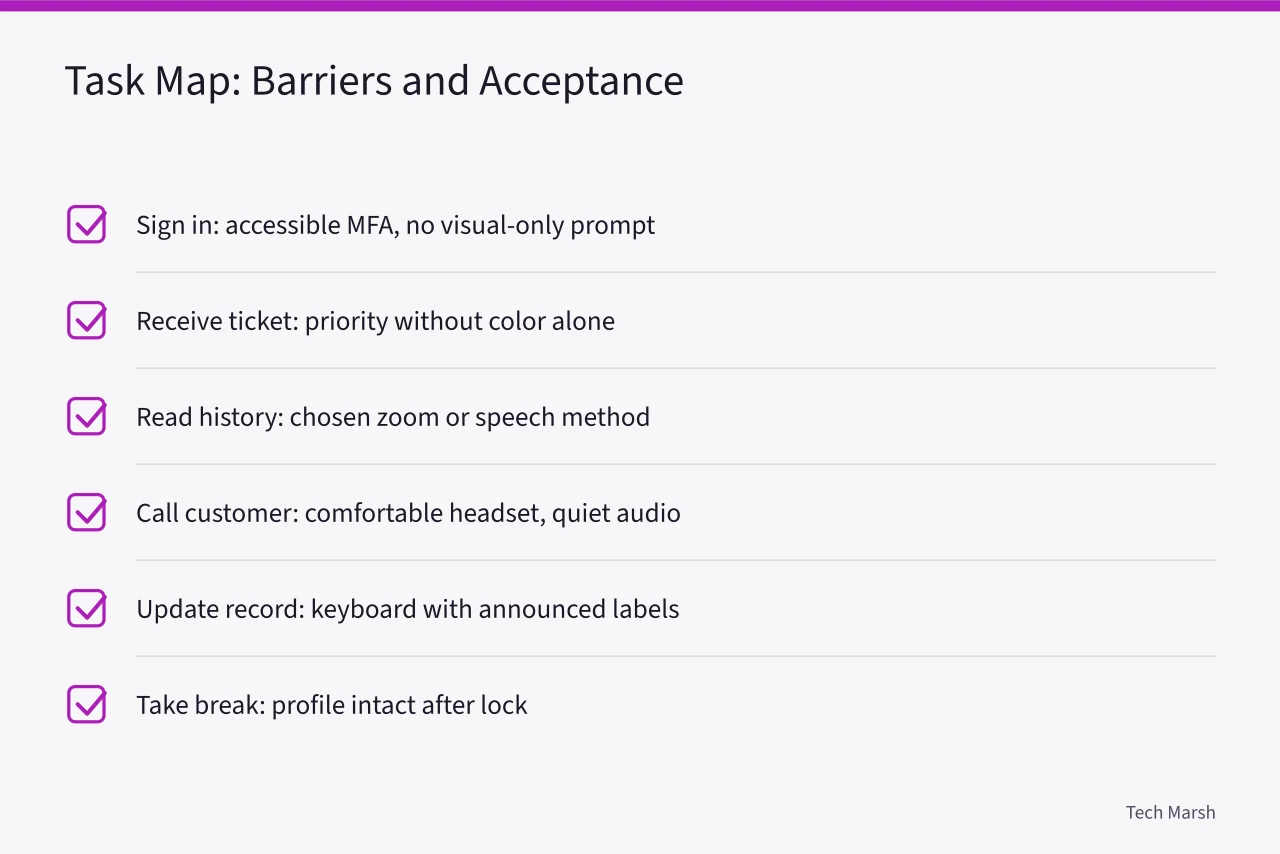
| Task | Barrier found | Acceptance condition |
|---|---|---|
| sign in | visual-only approval prompt | complete independently with accessible MFA |
| receive a ticket | color-only priority and small text | perceive priority without color alone |
| read history | narrow panel and heavy panning | read with chosen zoom or speech method |
| call customer | headset pressure and background noise | hear comfortably and enter notes |
| update record | unlabeled fields in one dialog | complete by keyboard with announced labels |
| take a break | settings lost after lock | resume with profile intact |
They also tested a mistaken field entry, a dropped headset connection, and a full restart. Restart, sleep, and wake belong on the acceptance list for any new machine, as how to set up a new laptop sets out.
Communication and choice
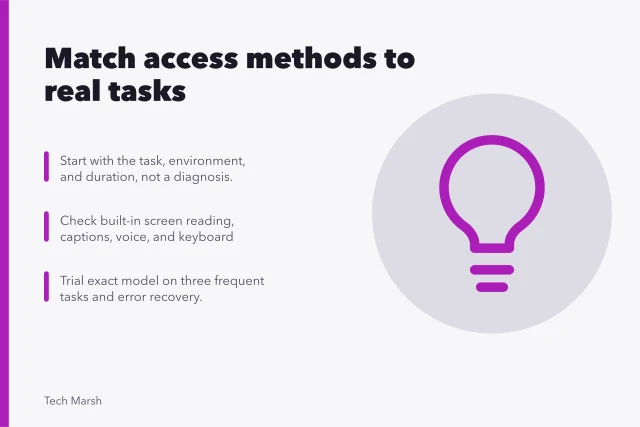
The manager did not ask Maya to supply her own helper or accept whichever product IT already stocked. The team discussed the nature and complexity of each interaction and Maya's normal methods before selecting trial tools.
A benchmark existed for the technology itself. The U.S. Access Board's ICT accessibility standards require covered hardware, software, and support services to be accessible to and usable by people with disabilities, directly or through assistive technology.
They fold in WCAG requirements for digital content, and those standards bind federal agencies and telecommunications manufacturers rather than this employer. The team used them as a measuring stick for the platform, not as a workplace ruling.
The two-week trial
IT created a test account with representative, noncustomer data. Maya tried:
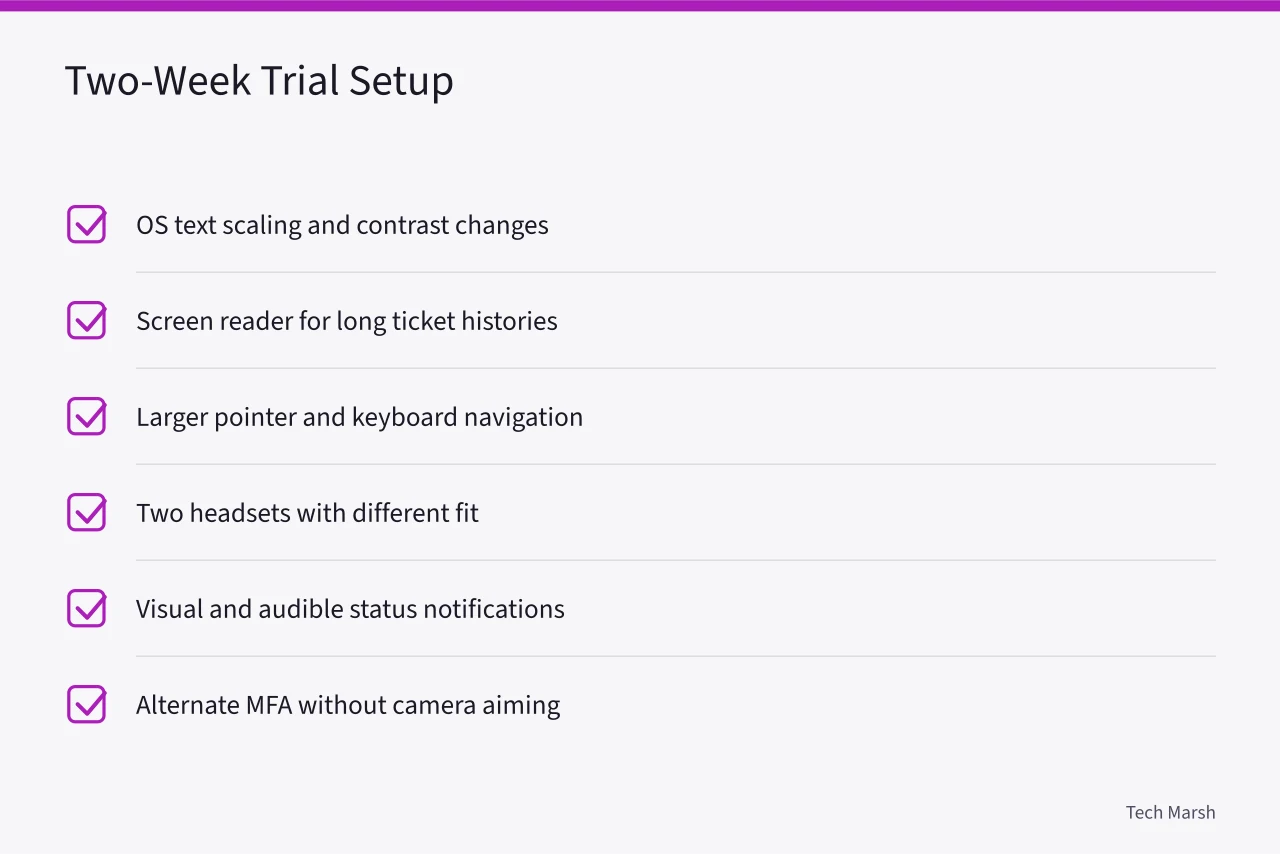
The specialist taught only the commands needed for the trial tasks, then expanded training after Maya chose the promising setup. Maya recorded fatigue, completion time, errors, and assistance after morning and afternoon sessions.
What failed
At 200 percent scaling, the ticket side panel covered the Save button. The screen reader announced most fields but called the escalation selector only "button," and one wireless headset lost connection after sleep.
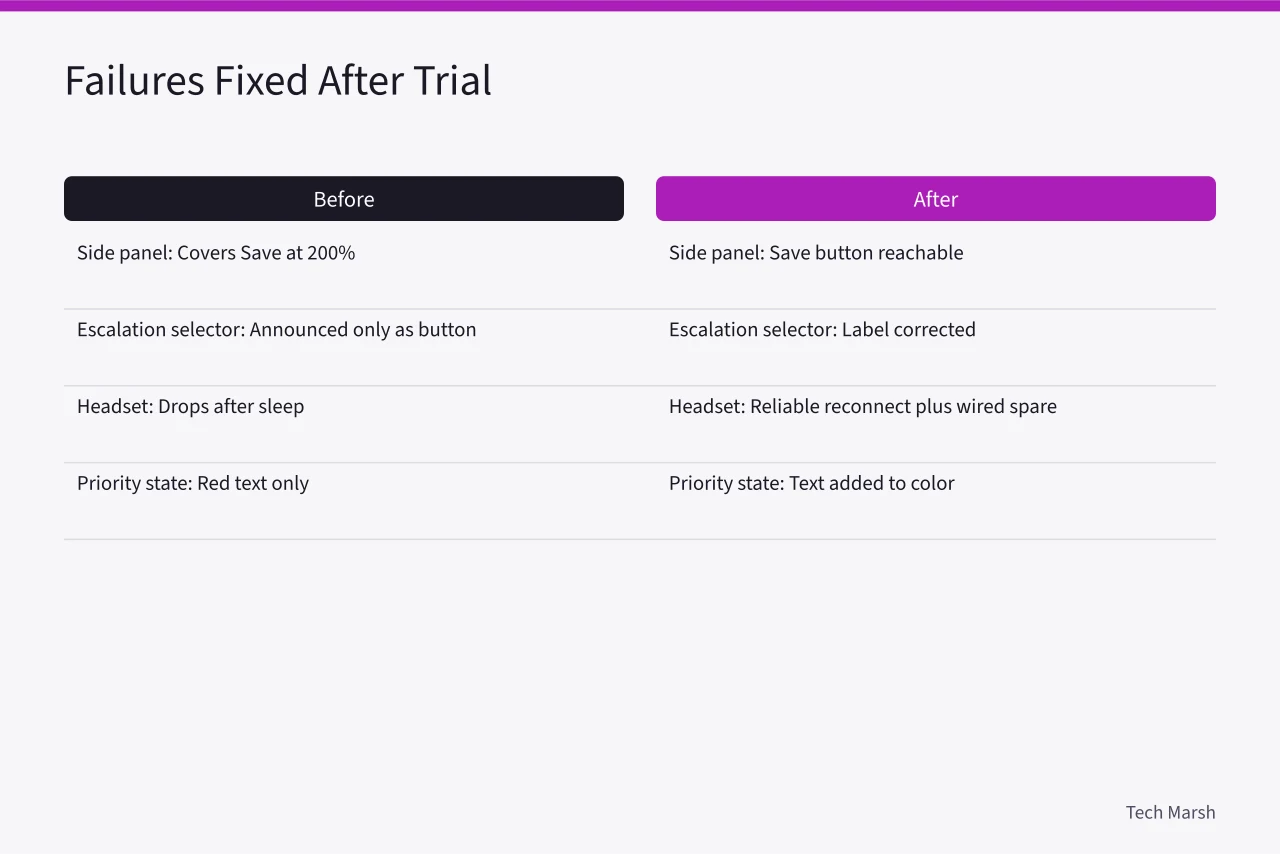
Separating an accessory fault from a machine fault is the method in common laptop problems and fixes. The platform's high-priority state relied on red text despite the active operating system contrast theme.
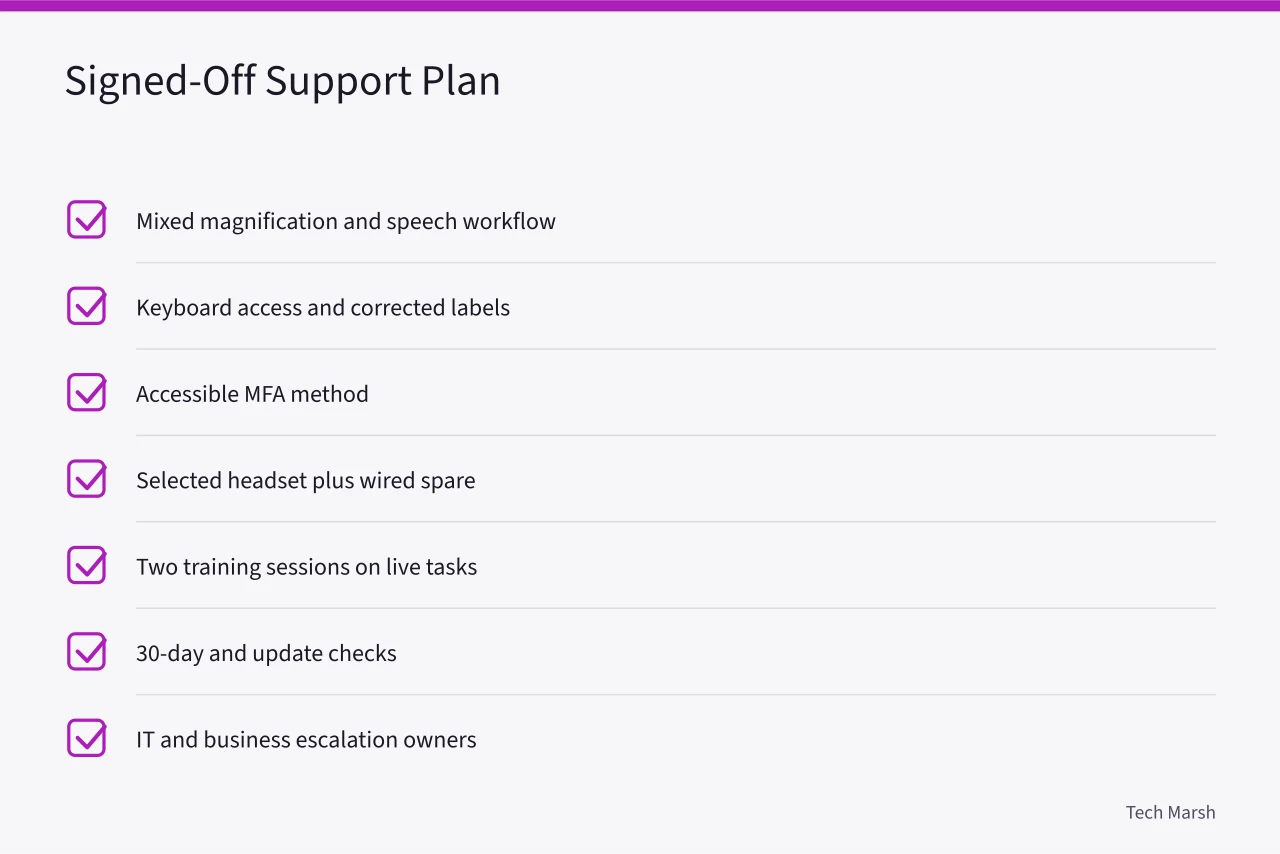
The team did not label these Maya's training problems, but the platform owner fixed the selector label and added text to the priority state. IT chose the reliably reconnecting headset and created a documented wired fallback.
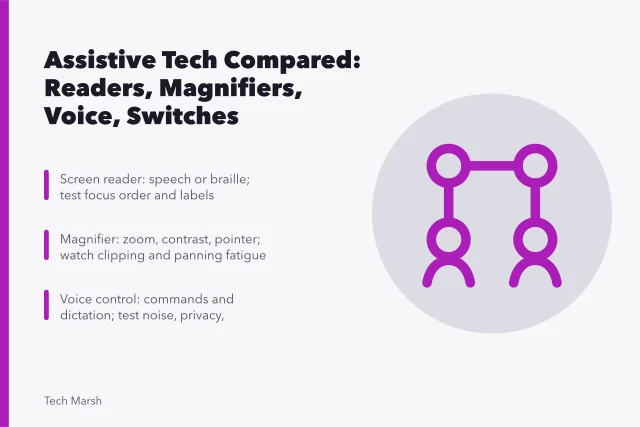
Maya used a mixed approach: enlarged text for scanning lists and speech for long histories. Combining a magnifier with speech is one of the pairings weighed in assistive tools compared.
Selecting and supporting the equipment
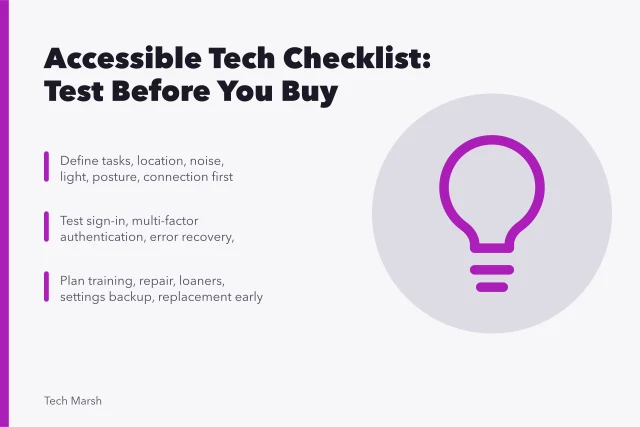
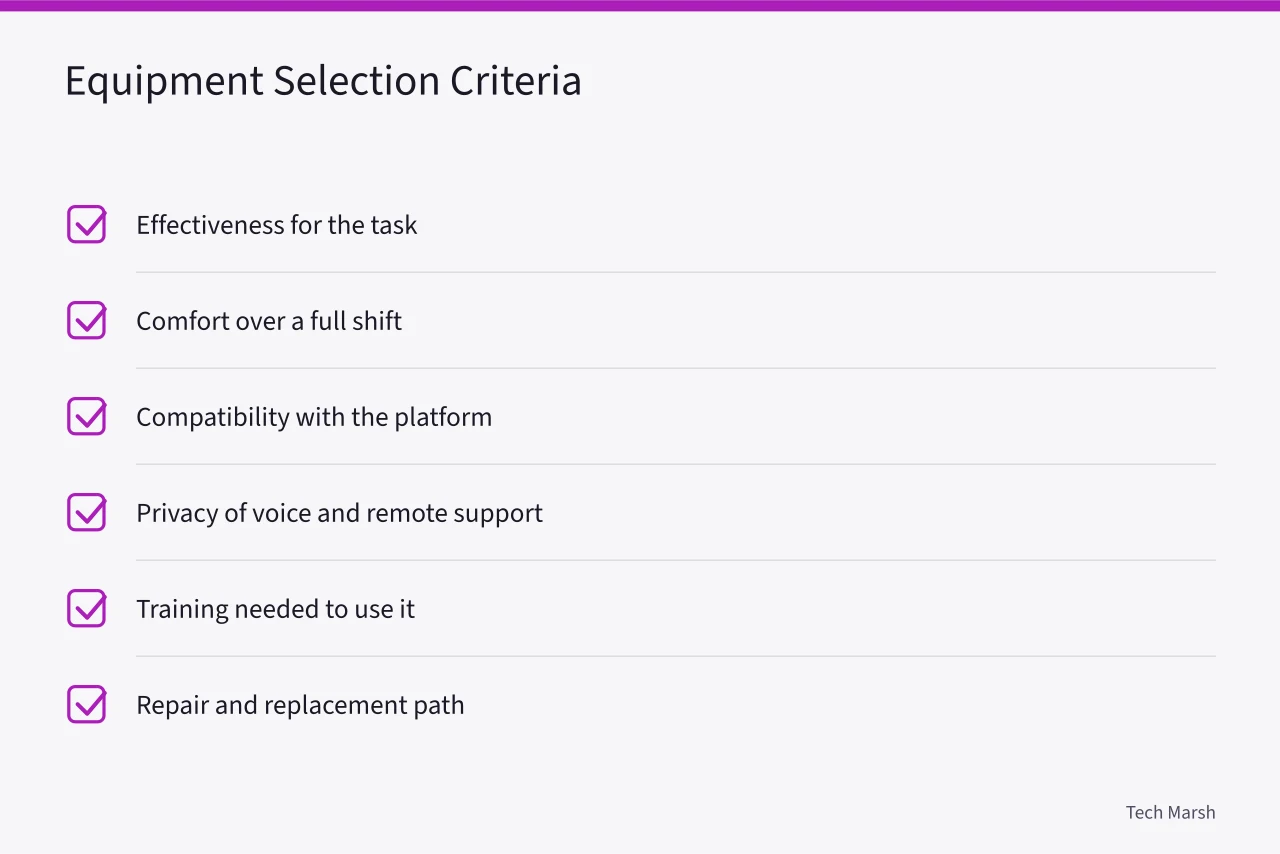
The team compared effectiveness, comfort, compatibility, privacy, training, repair, and replacement. They avoided treating the first successful demonstration as final acceptance. Those categories, item by item, are the accessible technology checklist.
This is the shape of a reasonable accommodation under United States employment law. It adjusts the job or work environment so a qualified employee can perform the position's essential functions. It is worked out for the individual, not pulled from a stock list.
Defining the situation, researching options, trialing the technology, arranging training, and monitoring the result gave that adjustment its evidence.
IT stored the approved display profile and keyboard settings in the managed account. Maya kept an accessible command reference. The support ticket identified the workstation, software versions, headset model, access tools, and preferred contact method without adding unnecessary medical detail.
Final plan
The signed-off plan included:
Maya completed every acceptance task without prompting during the final test. The team retained the fault log because it showed which platform defects might affect other employees and customers. A safe order for working through such faults is in accessibility feature problems and fixes.
Lessons from the case
- One product rarely fixes an entire workflow.
- User preference and long-session comfort can change the result of a lab comparison.
- Inaccessible content cannot always be repaired by adding more assistive technology.
- Authentication, lock screens, sleep, and updates belong in acceptance testing.
- Support ownership turns a working trial into a sustainable setup.
Common questions
Is Maya a real person?
No. The case is fictional and combines common planning and testing issues.
Why did the team test with noncustomer data first?
It allowed realistic workflow testing without exposing live customer information during setup and training.
Did the screen reader solve every barrier?
No. The team also fixed application labels, added non-color status text, changed hardware, and used magnification.
Is this a legal accommodation template?
No. Organizations should apply the law, policy, and qualified advice relevant to their location and situation.