Reviews
Which Streaming Device Should You Buy for an Older TV? Roku, Fire TV, and Apple TV Compared
A streaming device for older TV sets comes down to HDMI, Wi-Fi, and app support. We compare Roku, Fire TV, and Apple TV on price and how well each fits your setup.
What to take away
- Any TV with one free HDMI port can become a smart TV. The device, not the panel, decides which apps you get.
- Roku starts around $30 and carries the fewest platform fights. Fire TV starts around $30 and pushes Amazon content hardest. Apple TV starts at $129 and suits iPhone households.
- Check three things before buying: HDMI port type, Wi-Fi band, and whether the remote needs line of sight.
- A 1080p stick is enough for a 1080p television. Paying for 4K on an old panel buys nothing.
- Ask the seller what happens to your account data when the device is retired.
The cheapest way to modernize an older television is a streaming stick, not a new set. A 2010 Panasonic plasma with a $30 player runs Hulu, Max, and Peacock as well as a 2024 budget TV does. The panel does the displaying. The stick does the thinking.
Three devices, three different jobs
Roku, Fire TV, and Apple TV are not the same product at different prices. Each one is built to serve a different owner.
Roku sells hardware and takes a cut of ad revenue. It has no studio to promote, so its home screen treats Netflix, Max, and Peacock roughly equally. That neutrality is the product. See the Roku overview for how the model evolved.
Fire TV exists to sell Amazon goods and Prime Video subscriptions. The interface leads with Amazon content, and some rows cannot be removed. If you already pay for Prime, that is a discount. If you do not, it is advertising you cannot delete.
Apple TV is the premium option. The $129 HD model and $149 4K model run tvOS, integrate with iPhone and AirPods, and avoid most on-screen ads. Apple's Apple TV background covers the hardware generations and their port requirements.
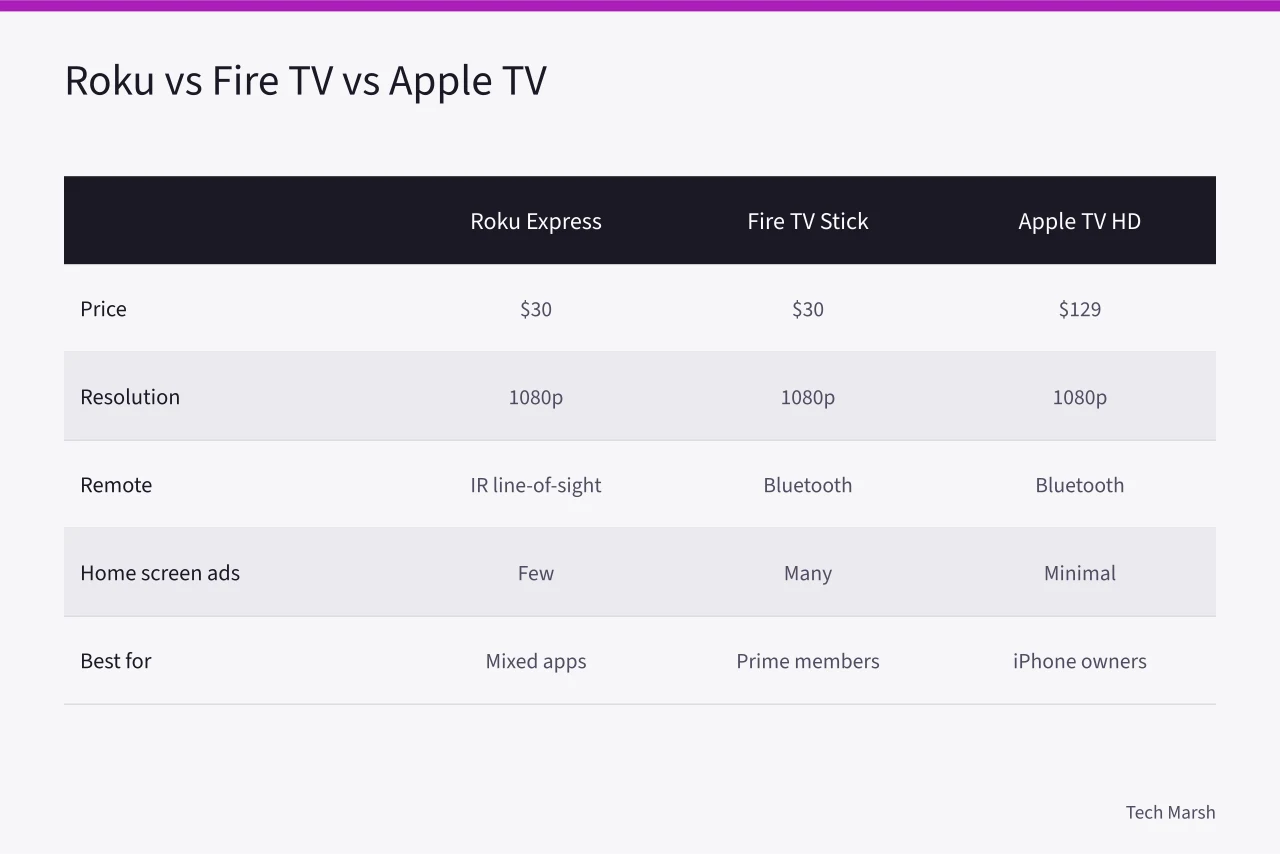
| Criterion | Roku Express | Fire TV Stick | Apple TV HD |
|---|---|---|---|
| Typical US price | $30 | $30 | $129 |
| Resolution | 1080p | 1080p | 1080p |
| Remote | IR, needs line of sight | Bluetooth | Bluetooth |
| Ads on home screen | Few | Many | Minimal |
| Best for | Mixed app households | Prime members | iPhone owners |
Prices move with sales. Treat the figures as illustrative street prices, not list prices.
Questions to ask before you pay
Write these down and put them to the seller, the retailer, or the manufacturer support line.
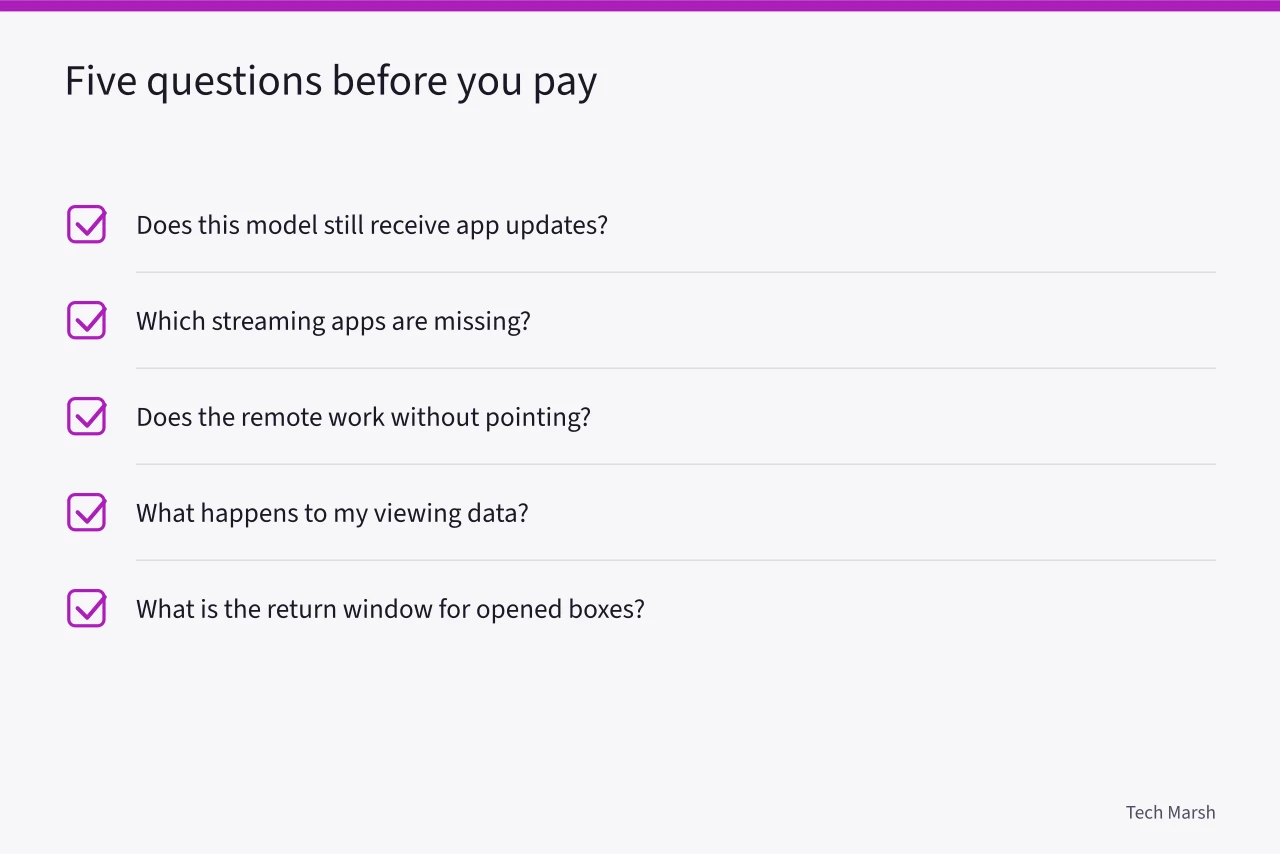
"Does this model still receive app updates, and until when?" Roku, Amazon, and Apple all publish support windows, and older sticks fall out of them.
"Which streaming apps are missing on this platform?" Every platform has gaps. Check Hulu, Max, Peacock, and any niche service you actually watch.
"Does the remote work without pointing at the TV?" Infrared remotes fail when the stick hides behind the panel.
"What does the device do with my viewing data, and can I turn that off?" All three sell ad inventory. Only some let you limit it.
"What is the return window, and does it cover opened boxes?" Streaming sticks are easy to try and easy to return, but policies differ by retailer.
Answers that should end the conversation
Some replies mean you walk away. These are the ones worth recognizing.
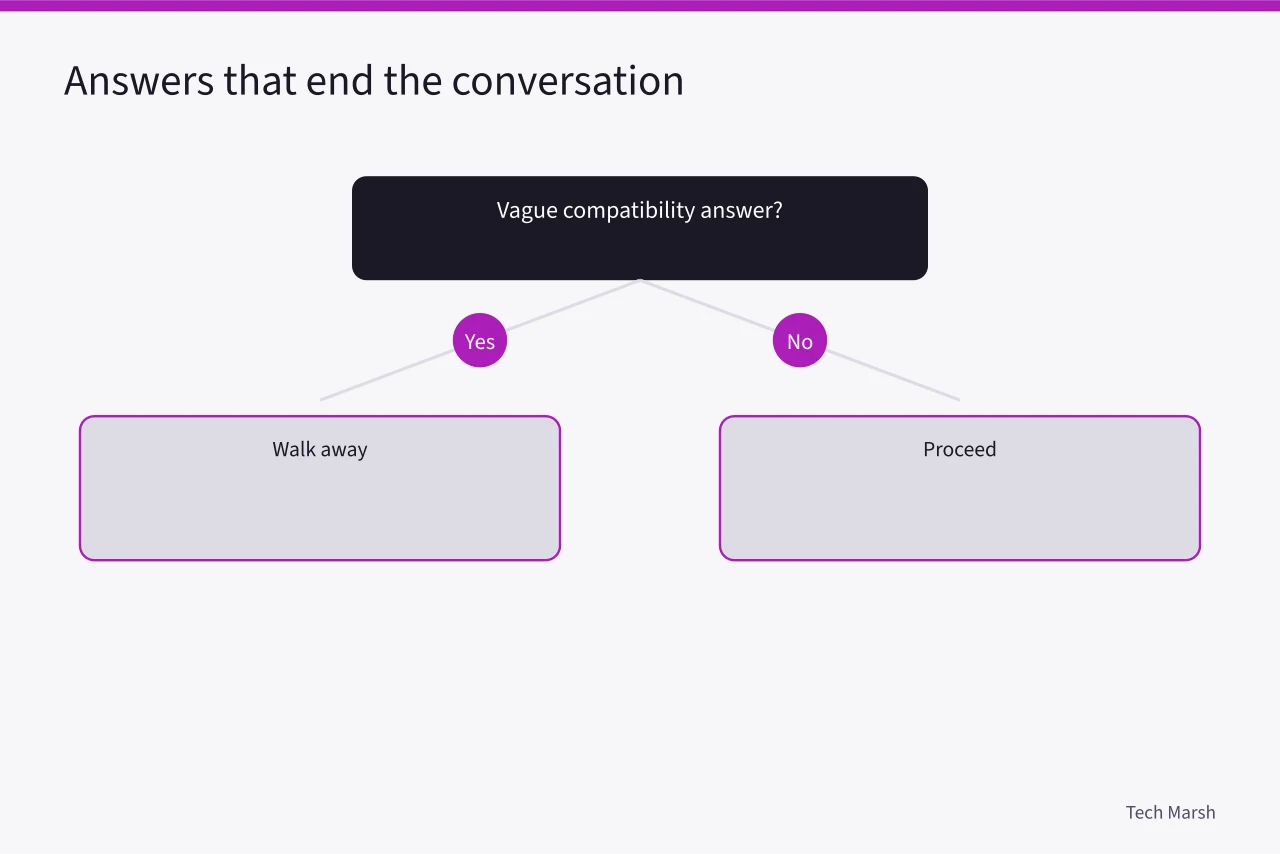
- "It should work with any TV." A device that needs HDMI-CEC or a specific HDCP version will not work with every panel, and a vague answer hides that.
- "We do not publish an end-of-support date." Hardware without a stated support window is hardware you may replace in two years.
- "You can sideload the app." Sideloading is a workaround, not support, and it breaks with updates.
- "The remote is fine, just aim it." That is a design flaw being described as a user habit.
A device that cannot name its supported apps and its support end date is a device you are buying on hope.
What the agreement has to state
Even a $30 purchase comes with terms. The ones that matter are short.
The warranty must state its length and what it covers. Ninety days is common on budget sticks. The return policy must state whether opened hardware qualifies. The privacy policy must state what viewing data is collected and whether it is sold.
If you buy a used device, the account terms matter more than the hardware. A used stick tied to someone else's account is a paperweight until it is factory reset. The digital media player comparison explains how account binding works across platforms.
Example: the 2011 TV in a spare room
A reader owns a 2011 Samsung LCD with two HDMI ports and 2.4 GHz Wi-Fi only. A 4K stick would negotiate down to 1080p and gain nothing. A Bluetooth remote matters because the TV sits in a cabinet.
Roku Express fits: $30, 1080p, Bluetooth on current models. Fire TV Stick also fits, but the home screen pushes Amazon harder. Apple TV costs four times as much for the same picture. The right answer is the cheap one.
Common questions
Will a streaming stick work on a TV without HDMI? Only with an HDMI-to-composite adapter, and picture quality drops to 480i. At that point a used smart TV is usually cheaper than the adapter plus stick.
Do I need 4K on an older 1080p TV? No. The device will downscale, and you pay extra for pixels the panel cannot show. Buy 1080p and save the difference.
Which device has the fewest ads? Apple TV, by a wide margin. Roku is next. Fire TV shows the most promotional content on its home screen.
Can I move the device to a new TV later? Yes. The stick holds your logins, so moving it takes a minute. That is one reason to buy the device rather than replace the television.