Reviews
Part of Laptop basics: processors, storage, ports, and what actually matters
Laptop types compared: ultraportable, mainstream, gaming, and workstation
Laptop types compared by portability, cooling, graphics, repair, battery, input, price, and workload, from ultraportables to mobile workstations.
What to take away
- Laptop categories describe design priorities, not guaranteed quality or speed.
- Mainstream models balance cost and portability; ultraportables reduce weight and ports.
- Gaming laptops prioritize graphics and cooling, while mobile workstations target certified professional workloads.
- Convertible and detachable 2-in-1 designs solve different touch and keyboard needs.
- Compare the same complete workload, charger, warranty, and ownership period rather than category labels alone.
Retail categories help narrow a large market, but their borders are loose. A thin gaming model may weigh less than a business laptop, and a premium ultraportable may outperform an older workstation. Begin with tasks and constraints. The parts those tasks actually load, from processor to cooling, are explained in laptop basics.
Category snapshot
Main strength
- mainstream
- balance of price and capability
- ultraportable
- low carrying weight
- gaming
- high graphics performance
- mobile workstation
- professional components and support
- convertible 2-in-1
- laptop base folds into touch modes
- detachable 2-in-1
- screen separates as a tablet
- rugged
- resistance to specified hazards
Common compromise
- mainstream
- few exceptional features
- ultraportable
- fewer ports and less cooling room
- gaming
- weight, fan noise, shorter battery runtime
- mobile workstation
- high price and bulk
- convertible 2-in-1
- weight remains behind the screen
- detachable 2-in-1
- lighter keyboard and lap stability
- rugged
- cost, size, and lower consumer appeal
Best fit
- mainstream
- home, school, general office work
- ultraportable
- frequent travel and meetings
- gaming
- modern games and GPU-heavy leisure
- mobile workstation
- certified engineering, science, media workflows
- convertible 2-in-1
- mixed typing, presentation, and pen use
- detachable 2-in-1
- tablet-first work with occasional typing
- rugged
- field work under defined conditions
Mainstream laptops
These machines usually offer familiar screen sizes, integrated graphics, standard keyboards, and enough ports for home or school. Their advantage is choice. Their weakness is that a low price can conceal a dim display, limited memory, soldered storage, a small battery, or brief software support.
Check the exact configuration. Retailers may sell several products under one family name with different panels, processors, batteries, and wireless cards. Checking the delivered machine against the ordered configuration is the first step in how to set up a new laptop.
Ultraportables
An ultraportable reduces weight and thickness for frequent carrying. It may use efficient processors, compact chargers, and smaller screens. The trade can include shallow keyboards, limited ports, soldered components, lower sustained performance, and higher repair costs.
Carry the charger when comparing weight. A light computer paired with a heavy proprietary power brick may not reduce the travel load much.
Gaming laptops
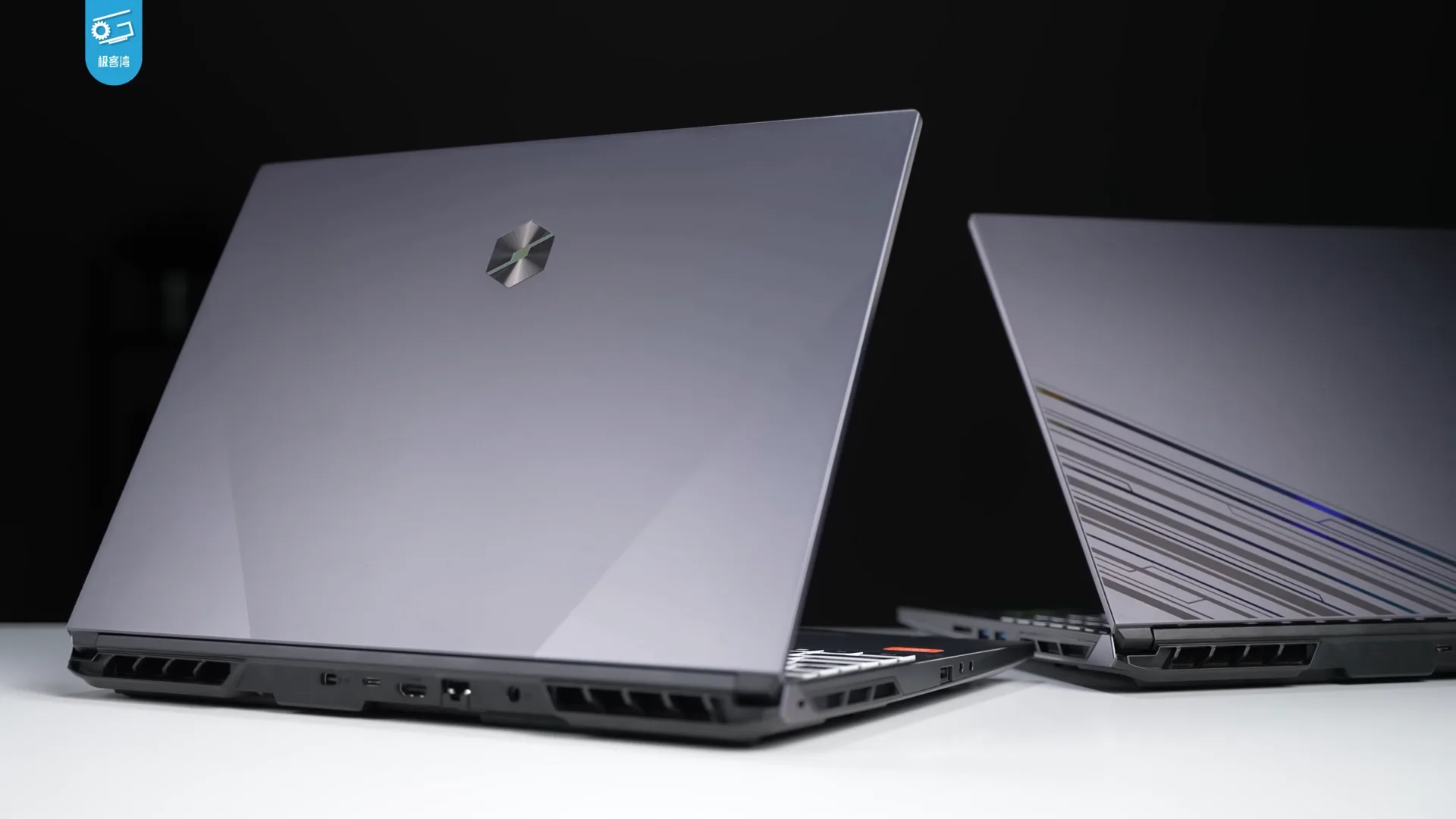
Gaming models often provide separate graphics, high-refresh displays, high-power processors, larger cooling systems, and configurable performance modes. They can also support rendering or some technical work, but the word "gaming" does not guarantee professional application certification or color accuracy.
Compare performance while plugged in and on battery. Many systems reduce speed away from wall power. Check fan noise, surface temperature, charger rating, display response, memory layout, and graphics memory for the games or tools you use.
Mobile workstations
Mobile workstations are built for professional workloads such as computer-aided design, simulation, large media projects, or data analysis. Some offer graphics drivers or certifications tested with named applications, higher memory ceilings, error-correcting options, and longer business support. A longer support window matters because it is what keeps security fixes arriving, as the consumer device security guide explains.
Certification is application- and version-specific. If a contract or employer requires it, confirm the exact laptop configuration in the software vendor's current list.
Energy and power management
The current ENERGY STAR computer guidance distinguishes notebooks, two-in-one notebooks, tablets, desktops, and other forms. It says certified computers must operate efficiently in off, sleep, and idle modes and use power-management features and efficient power supplies. Certification addresses defined energy criteria; it does not select the fastest or most repairable laptop for you.
Compare sleep behavior under your real peripherals and apps. A game, dock, network task, or external drive can prevent sleep or wake the system. Recurring checks for sleep, wake, and heat live in the laptop upkeep, backup, and security checklist.
Convertible and detachable 2-in-1 designs
A convertible keeps the keyboard attached and rotates the display around a hinge. It tends to behave like a conventional laptop during typing, but the keyboard remains part of the weight in tablet mode.
A detachable places the main computer behind the screen and removes or folds away a thin keyboard. That can create a lighter tablet, though the device may be less stable on a lap and have less room for ports or cooling.
The 2-in-1 computer classification distinguishes convertible systems with a concealed or rotating keyboard from detachable systems with a removable keyboard. Test the exact hinge, stand, pen, touch rejection, and keyboard because the label alone does not describe the physical experience.
Rugged laptops
Rugged systems target dust, water, drops, vibration, temperature, sunlight, gloves, or specialized ports. A claim such as "military grade" is incomplete without the named test method, configuration, limits, and test report. A passed laboratory condition does not mean the device is indestructible.
Decision matrix
Score each candidate from 1 to 5 for the factors that matter, then multiply by importance.
Will the laptop run your work?
Does a specialist application run on it?
score the remaining factors
reject regardless of total score
| Factor | Example importance | Evidence to collect |
|---|---|---|
| application performance | 5 | current independent test using similar work |
| carrying weight | 4 | laptop plus charger and adapters |
| battery runtime | 4 | repeatable review and your workload |
| display | 3 | measured brightness, color, resolution, glare |
| ports | 3 | model manual and physical inspection |
| repairability | 4 | service manual, parts, warranty, quoted repair |
| keyboard and pointing | 5 | hands-on test |
| support period | 5 | maker and operating-system policy |
Do not let a strong score in an unimportant feature offset failure of a requirement. If a specialist application will not run, the total score is irrelevant.
Common questions
Is a gaming laptop the same as a workstation?
No. Both may be powerful, but workstations may add professional drivers, application certifications, memory options, and business support that gaming models do not.
Is an ultraportable always small?
It is usually thin and light for its class, but screen sizes and marketing definitions vary. Compare measured dimensions and total travel weight.
Is a 2-in-1 better than a tablet plus laptop?
Only if one device meets both jobs. Separate devices may provide better ergonomics or redundancy, while one device reduces items to carry and maintain.
Does rugged mean waterproof?
Not necessarily. Read the exact ingress rating, test conditions, port-cover requirements, and exclusions.